
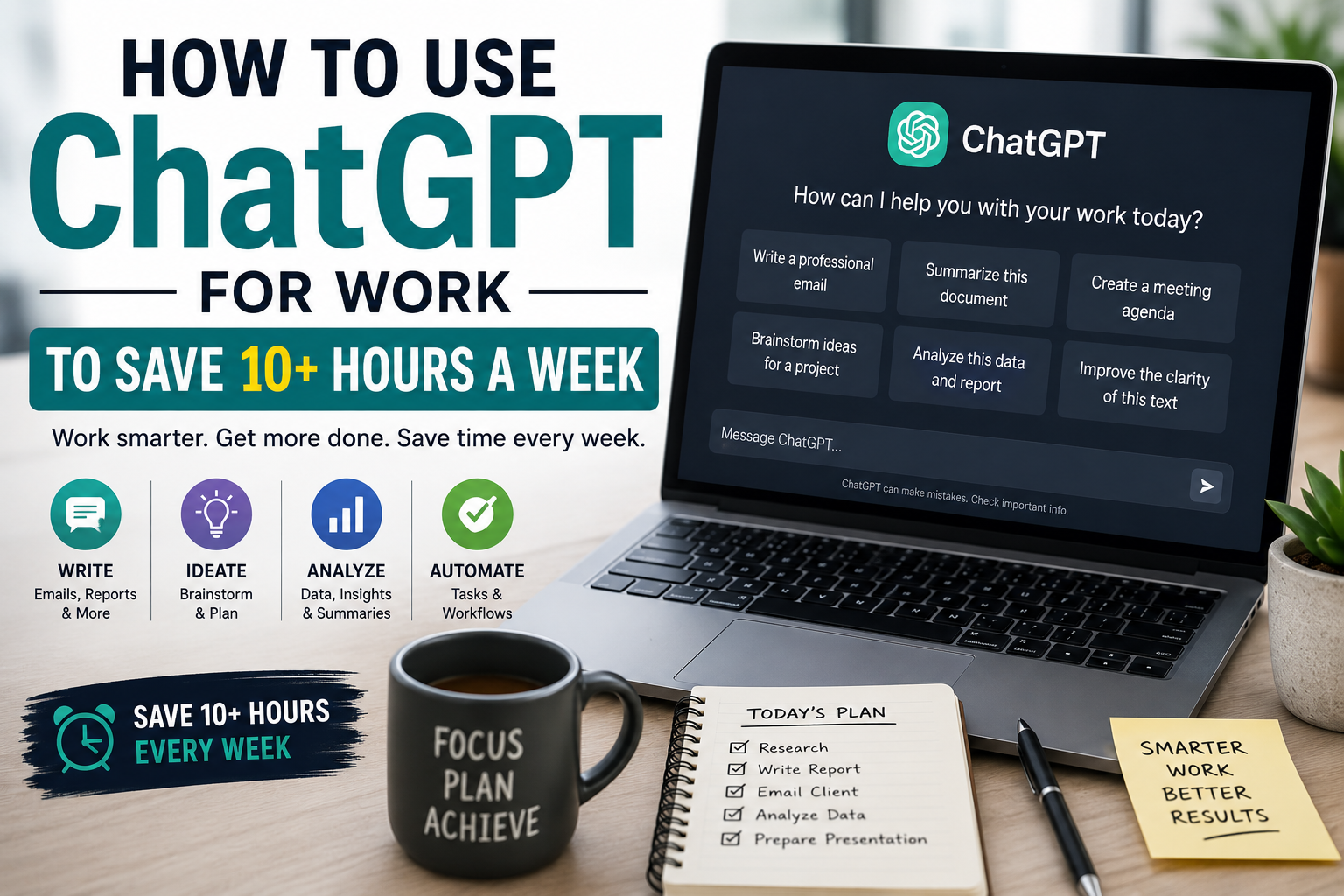
Generative AI is no longer a futuristic novelty or a fun tech gimmick. It is rapidly becoming a core professional skill. However, a massive gap remains between how most professionals use artificial intelligence and how top performers leverage it.
Most people use ChatGPT like a glorified Google search—asking basic questions and receiving basic answers. But to truly change the way you work, you need to stop viewing it as a search engine and start treating it as an elite, hyper-competent digital assistant, researcher, and creative partner.
This comprehensive, step-by-step guide walks you through turning ChatGPT into your ultimate workplace collaborator.
I. Setting the Foundation (The Workspace Setup)
Before you write your first prompt, you need to set up an environment that maximizes productivity while protecting your professional liability.
Choosing Your Version: Free vs. Paid Tiers
While the free tier of ChatGPT is capable, professionals should look at the paid tiers (Plus, Team, or Enterprise) as an investment rather than an expense. Paid tiers grant access to the most advanced reasoning models, image generation, and—most importantly—the ability to upload large documents and spreadsheets for complex data analysis. If your job involves parsing data, reading long PDFs, or generating high-quality strategic text, the time saved by advanced models easily covers the monthly subscription.
Configuring Your “Custom Instructions” or Profile
One of the biggest time-wasters is repeatedly typing background information into every new chat window. You can bypass this by using the Custom Instructions or Customize ChatGPT feature in your settings. This tells the AI two critical elements:
- Who you are: “I am a Senior Marketing Manager at a B2B SaaS company specializing in cybersecurity. My target audience consists of Chief Information Security Officers (CISOs).”
- How you want it to respond: “Keep responses concise and actionable. Avoid fluff, unnecessary introductory pleasantries, and corporate jargon. Use bullet points whenever possible.”
By embedding this background context permanently, every response you get is instantly tailored to your professional ecosystem.
Data Privacy & Security 101
This is the golden rule of using AI at work: Never paste proprietary code, sensitive client data, or personally identifiable information (PII) into ChatGPT.
Unless you are using an Enterprise or Team account where data sharing is explicitly disabled by your organization, standard data inputs may be used to train future iterations of the model. If you need help analyzing an internal report, anonymize the data first. Change company names to placeholders (e.g., “Company X”) and swap actual revenue figures for percentages or generalized metrics. You can also turn off chat history and training in your account privacy settings for highly sensitive projects.
II. Mastering the Art of the Prompt (The Input)
The quality of ChatGPT’s output is a direct reflection of the quality of your input. A vague prompt like “Write a launch email” will yield a generic, cliché response that sounds like an AI wrote it.
The 4-Part Prompting Framework
To unlock elite workplace outputs, structure your complex prompts using these four foundational pillars:
| Component | Purpose | Example |
|---|---|---|
| 1. Role | Tells the AI who it is simulating. | “Act as a veteran executive leadership coach.” |
| 2. Context | Explains the background and situational stakes. | “One of my top-performing employees is brilliant technically but struggles with public speaking and gets visibly nervous during board presentations.” |
| 3. Task | Specifies the exact deliverable you need. | “Draft a 1-on-1 coaching plan outline for our next meeting to help them build confidence.” |
| 4. Constraints | Defines the style, length, tone, and format parameters. | “Keep it under 300 words. Use a supportive, constructive tone. Break it into three clear phases with actionable steps.” |
Iterative Prompting: Treating the AI Like an Intern
Do not expect perfection on the first try. If the initial output isn’t quite right, do not delete the chat and give up. Treat ChatGPT like a capable intern. Provide constructive feedback directly in the chat window:
- “The tone is a bit too formal. Rewrite it to sound more casual and conversational.”
- “Remove section three entirely and expand section two by adding two real-world examples.”
- “Great, now format that final conclusion into a bulleted summary tailored for an executive summary slide.”
III. Day-to-Day Administrative & Communication Efficiency
Administrative tasks are silent productivity killers. ChatGPT can help you claw back hours of your day by automating routine communication.
Email Management
Drafting sensitive communication takes an immense amount of emotional energy and time. Use ChatGPT to handle difficult phrasing:
Prompt Example: “Act as a polite but firm business owner. Draft a response to a long-time client explaining that we cannot accommodate their last-minute project deadline because our current pipeline is entirely full, but offer to schedule them for the first week of next month. Keep it warm but clear that the deadline is unmovable.”
You can also use it to distill overwhelming information. Paste a massive, messy email chain into the window and prompt: “Summarize this email thread into three bullet points: What happened, what are the immediate action items, and who is responsible for each?”
Meeting Optimization
If you use AI note-takers during meetings, you are often left with a messy, literal transcript that nobody wants to read. Copy and paste that text block into ChatGPT and ask it to generate structured meeting minutes:
Markdown
Review the following meeting transcript. Generate:
1. A 3-sentence high-level summary of the meeting.
2. A bulleted list of key decisions made.
3. An Action Item table with columns for: Task, Owner, and Deadline.
IV. Content Creation, Copywriting, and Editing
Whether you are writing a internal memo, a blog post, or a project proposal, staring at a blank flashing cursor is incredibly draining. ChatGPT is the ultimate tool for overcoming “blank page syndrome.”
The “Draft and Polish” Method
The best way to collaborate creatively with AI is to dump your unorganized, messy thoughts into the prompt first. You do not need to speak elegantly to the AI; speak rawly.
Prompt Example: “Here is a brain dump of thoughts for our quarterly engineering update: [insert messy, unorganized thoughts here]. Take this raw information and organize it into a structured, professional internal memo that outlines our wins, our current blockers, and our focus for next quarter.”
Tone Shifting for Diverse Audiences
As a professional, you often have to explain the same concept to completely different stakeholders. ChatGPT excels at translation across corporate hierarchies. You can feed it a highly technical engineering specification document and ask: “Rewrite this summary so it can be easily understood by our non-technical sales team so they know how to pitch the value of these changes to potential buyers.”

V. Research, Analysis, and Problem-Solving
Sifting through mountains of data and text is a major bottleneck in modern knowledge work. You can use ChatGPT to accelerate your learning curve and analyze assets quickly.
Summarizing Dense Material
When handed a 60-page industry compliance update or market research report, don’t read it top-to-bottom right away. Upload the file (or paste relevant sections) and ask targeted questions:
- “What are the top three regulatory changes in this document that will impact companies operating in the retail space?”
- “Create a executive summary of this report focusing strictly on competitor financial vulnerabilities.”
The “Feynman Technique” Prompt
If you are entering a new industry or trying to understand a highly complex technical concept, use the AI to distill the knowledge rapidly before diving deep into technical documentation.
Prompt Example: “Explain the concept of zero-knowledge proofs and how they impact blockchain privacy as if I am a first-year business student with zero coding background. Use a real-world analogy.”
Data Analysis & Trend Spotting
If you have a Plus or Team tier subscription, you can upload structured files like Excel spreadsheets or CSV data files. Instead of spending hours writing complex formulas or building pivot tables, talk to your data directly:
Markdown
Analyze this Q1 sales spreadsheet and perform the following tasks:
1. Identify our top three highest-performing product SKUs by net margin.
2. Spot any geographical regions that showed a decline in month-over-month sales.
3. Generate a clean bulleted list of data anomalies or outliers we should look into.
VI. Advanced Workflows & Customization
Once you are comfortable with basic prompting, you can build specialized ecosystems to automate recurring multi-step workflows.
Creating Custom GPTs
If you find yourself using the exact same massive prompt every single day, you can build a Custom GPT (available in paid tiers). This allows you to build a private, dedicated chatbot pre-loaded with specific instructions, guidelines, templates, and reference files.
- Example – The “Brand Voice Editor”: You can create a Custom GPT pre-loaded with your company’s style guide, brand identity documents, and examples of excellent past copy. Whenever you write a raw draft, you simply drop it into your custom editor, and it automatically formats the text to perfectly match your company’s exact tone.
Multi-Step Prompt Chaining
Instead of asking ChatGPT to do an enormous task all at once (which often results in a shallow, generic output), break the workflow down into a sequential chain where each step builds on the previous one.
[Prompt 1] ➔ "Brainstorm 5 unique angles for a B2B newsletter about workplace productivity."
    ⬇
(You select Angle #3)
    ⬇
[Prompt 2] ➔ "Great. Now write a comprehensive outline for Angle #3, including an introduction, 3 body sections, and a clear call to action."
    ⬇
(You review and tweak the outline)
    ⬇
[Prompt 3] ➔ "Excellent. Now write the full copy for the introduction and section 1 based on that approved outline. Use a punchy, informative tone."
VII. Critical Boundaries & Pitfalls to Avoid
To maintain your professional reputation, you must understand exactly where the tool fails.
- The Hallucination Hazard: ChatGPT is a predictive language model—it predicts the next most logical word in a sequence based on its training. It does not “know” facts the way a human database does. It can, and will, occasionally invent fake statistics, non-existent legal case citations, or false historical dates with absolute confidence. You must verify every single stat, quote, or legal claim before sending it to a client or manager.
- The “Generic Voice” Trap: AI models lean heavily on specific, overused corporate cliches. If your text contains words like “delve,” “testament,” “revolutionize,” “in conclusion,” or “it’s crucial to remember,” it immediately flags your writing as robotic and unoriginal. Actively strip these out during your editing phase.
- The Ethical Line: Use ChatGPT to research, brainstorm, outline, structure, and polish. Do not use it to completely ghostwrite your thought leadership or technical analysis without your heavy intellectual involvement. The goal is to use AI to augment your domain expertise, not replace your critical thinking.
VIII. Your Next Steps
The ultimate ROI of integrating AI into your workspace isn’t about replacing your role—it’s about shifting your daily allocation of time. By offloading routine administrative drafts, text formatting, and initial research brainstorming to ChatGPT, you free up massive blocks of your schedule for high-value strategic execution, relationship building, and deep creative work.
Your Action Item For Today: Don’t try to change your entire workflow at once. Pick one repetitive task that you dread doing this week—whether it’s summarizing a long meeting transcript, organizing a chaotic project brain dump, or drafting a tricky email response—and use the 4-part prompting framework to delegate it to ChatGPT. See how much time it saves you.

















[…] and skincare routines are small rituals of control. Streaming subscriptions and food delivery apps are time bought back from an economy that took more of it than any generation before. Therapy and […]