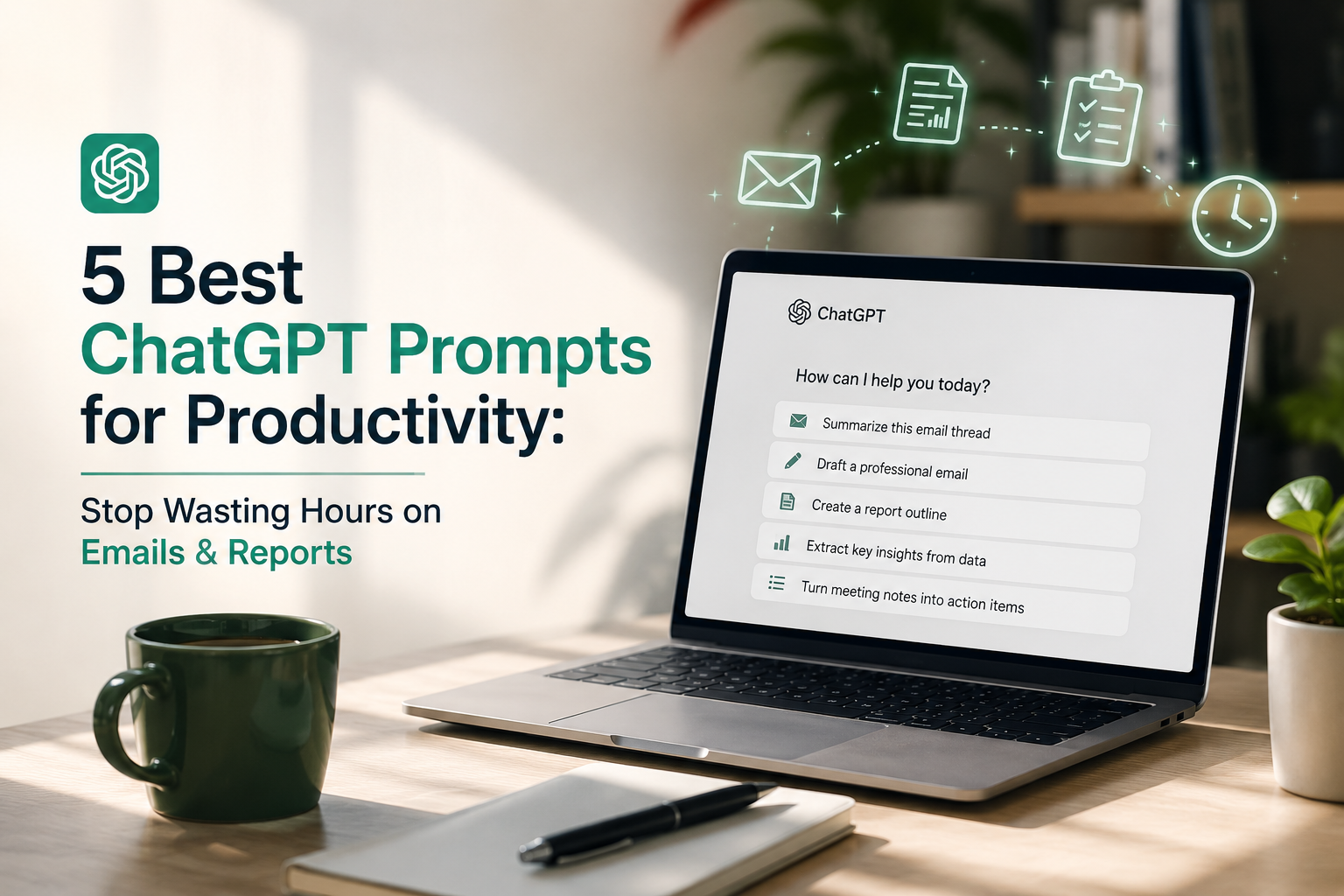
We’ve all been there: You open an AI tool, look at the blinking cursor, and type: “Write a polite follow-up email to a client who hasn’t paid their invoice yet.”
What does it give you? A three-paragraph, flowery wall of text packed with phrases like, “I hope this missive finds you well in these unprecedented times.” It sounds completely robotic, completely un-human, and takes you longer to edit than it would have taken to just write the email yourself from scratch.
The issue isn’t the AI. The issue is that we are treating advanced neural networks like magic wishing wells rather than highly specialized digital assembly lines. To get hyper-specific, professional outputs that actually save you hours every single week, you need to stop typing casual questions and start using Structured Prompting.
By establishing explicit roles, setting strict constraints, and dictating formatting rules, you can transform AI from a conversational novelty into a powerhouse administrative assistant.
Below are 5 plug-and-play, copy-and-paste prompt frameworks designed to eliminate your worst daily administrative bottlenecks.
The Ultimate Copy-Paste Productivity Prompt Guide: How to Automate Your Daily Workload with AI
The Secret Ingredient: Why Your Current Prompts Fail
Most professionals use conversational prompting—they type the way they would speak to a coworker. While natural, this gives the AI too much creative freedom, resulting in generic corporate fluff, excessive buzzwords, and disorganized layouts.
To unlock high-grade professional outputs, your prompts must include three core elements:
- Role Designation: Tell the AI exactly who it is pretending to be (e.g., an elite analyst, a meticulous technical writer).
- Context & Audience: Define who the final output is for and the background situation.
- Strict Constraints: Ban specific buzzwords, set strict word counts, and dictate the layout (such as bullet points or tables).
Let’s look at how to put this formula into practice with 5 ready-to-use workflows.
1. The “Zero Fluff” Email Draft Engine
Staring at a blank screen trying to phrase a difficult follow-up, an internal update, or a delicate boundary politely but firmly is a massive time-sink. This prompt strips away the AI’s natural tendency to write overly flowery prose, leaving you with a clean, human-sounding draft.
Copy-Paste the Prompt Framework:
Plaintext
Act as a precise, professional executive assistant who values the recipient's time. I am going to give you the raw context for an email I need to write.

Your task is to draft a response that is professional, warm, yet entirely direct.

Rules:
- Do NOT use filler clichés like "I hope this email finds you well," "In today's fast-paced world," "Please feel free to," or "Just checking in."
- The email must be under 150 words.
- It must conclude with one clear, single call-to-action (CTA) or question.

Here is the raw context for the email:
[INSERT YOUR RAW CONTEXT HERE, E.G., Tell Mark that the deadline is pushed to Friday but I still need his data by Wednesday morning so I can review it.]
Why This Prompt Works:
By explicitly banning common AI-isms and enforcing a strict word count, you eliminate the mechanical friction of editing out robotic fluff. You get a crisp, punchy email that looks like a human actually wrote it.
2. The Raw Meeting Notes To-Action Item Converter
If you take messy notes during a client sync or copy a raw transcript out of a Zoom or Microsoft Teams meeting, don’t waste time formatting it. Use this framework to instantly turn a chaotic wall of text into a high-functioning execution blueprint.
Copy-Paste the Prompt Framework:
Plaintext
Act as a world-class Project Management Officer (PMO). I am going to provide you with raw, unformatted notes or a transcript from a recent meeting.

Your job is to analyze this text and extract a highly structured summary broken into exactly three clear sections:

1. **The Executive Takeaway:** A 2-sentence maximum summary of the primary objective achieved or decided during this meeting.
2. **Action Item Matrix:** Create a Markdown table with columns: [Task Name], [Owner], and [Implied Priority: High/Medium/Low]. Only include explicit tasks assigned to a specific person or team.
3. **The Friction Points:** Bullet points detailing any blockers, unresolved questions, or risks mentioned that require a follow-up decision.

Rules: Do not use corporate jargon. If a task's owner is unclear, list it as "[UNASSIGNED]".

Here are the notes:
[PASTE YOUR RAW NOTES HERE]
Why This Prompt Works:
Unlike a generic “summarize this” request, this framework forces the AI to sort data functionally. By explicitly mandating a Markdown table and an unassigned task catcher, it gives you an artifact you can instantly paste directly into Slack, Notion, or an email to your team.

3. The Complex Document Simplifier (The 80/20 Rule)
Professionals are constantly buried under dense PDFs, industry reports, and sweeping internal strategy documents. Instead of wasting an afternoon reading every line, this framework forces the AI to act as an elite research analyst, pulling out the exact 20% of information that drives 80% of the value.
Copy-Paste the Prompt Framework:
Plaintext
Act as a hyper-efficient Executive Research Analyst. I am going to give you a long, dense document or article excerpt. Your goal is to synthesize this information for a busy decision-maker who only cares about bottom-line impacts.

Provide a breakdown using the following structure:

1. **The 3-Bullet TL;DR:** The absolute most critical data points or shifts revealed in this text (Include numbers, percentages, or concrete metrics if present).
2. **The 80/20 Leverage Points:** What are the 2 actionable takeaways from this text that have the highest potential impact on business growth or efficiency?
3. **Contrarian Insights or Weaknesses:** Identify anything in the text that contradicts standard industry assumptions, or highlight gaps where the text lacks sufficient data to support its claims.

Rules: Eliminate all filler words. Do not summarize the background history; only focus on the core conclusions and forward-looking data.

Here is the text:
[PASTE YOUR DENSE DOCUMENT TEXT HERE]
Why This Prompt Works:
Most summaries simply condense paragraphs into smaller paragraphs. This prompt completely shifts the paradigm by demanding contrarian insights and gaps. It forces the AI to look for what the document left out or got wrong, giving you sophisticated talking points for your next meeting without making you read the entire text.
4. The Repetitive Task Standard Operating Procedure (SOP) Builder
If you want to delegate a task to a colleague, freelancer, or virtual assistant, you need a Standard Operating Procedure (SOP). Writing an SOP from scratch is a tedious time-sink. This framework allows you to dump a chaotic, stream-of-consciousness explanation of how you do a task and transforms it into a polished training manual.
Copy-Paste the Prompt Framework:
Plaintext
Act as an expert Technical Writer and Operations Consultant. I am going to paste a rough, unorganized description of a recurring task that I perform.

Transform this messy workflow description into a highly polished, professional Standard Operating Procedure (SOP). Use this exact format:

- **SOP Title:** [Clear, action-oriented name of the process]
- **Objective:** A 1-sentence explanation of why this process exists and its ultimate goal.
- **Prerequisites & Tools:** A bulleted list of any software, access permissions, or files required to start.
- **Step-by-Step Execution Guide:** A numbered list detailing the chronological steps. Each step must begin with a bold action verb (e.g., **Log into**, **Export**, **Verify**). Include "if/then" conditional statements for common errors.
- **Success Criteria:** A clear definition of what a perfectly completed task looks like.

Rules: Write this so clearly that a brand-new intern with zero company context could successfully execute the task on their first try.

Here is my raw description of the task:
[PASTE YOUR MESSY PROCESS DESCRIPTION OR DICTATED TEXT HERE]
Why This Prompt Works:
By mandating bold action verbs and if/then conditional logic, the prompt bypasses the vague, abstract explanations AI usually defaults to. It structures the document like an operations manual, turning a two-minute brain dump into a scalable asset you can pass off immediately.
5. The Critical Thinker / Weakness Spotter (The “Pre-Mortem”)
Before you hit send on an important proposal, launch a project plan, or submit a pitch deck to your boss, you need to know where it is vulnerable. This framework plays the role of the ultimate devil’s advocate, tearing your work apart safely behind the scenes so you can fix the holes before anyone else sees them.
Copy-Paste the Prompt Framework:
Plaintext
Act as a brutally honest, hyper-skeptical corporate critic and rival competitor. I am going to provide you with my draft proposal, project plan, or pitch.

Your objective is to conduct a "Pre-Mortem" audit. Imagine this project completely failed, or this proposal was rejected, and tell me exactly *why* it went wrong. Break your analysis into three parts:

1. **The Glaring Flaws:** Point out the top 3 logical gaps, overly optimistic assumptions, or weak arguments present in my text.
2. **The Unanswered Questions:** What critical questions will a skeptical boss or a difficult client ask after reading this that I have failed to answer?
3. **The Quick Fixes:** For every flaw you identified, provide one concrete sentence on how I can rephrase or restructure my text to patch the vulnerability.

Rules: Do not spare my feelings. Be analytical, critical, and objective.

Here is my draft:
[PASTE YOUR PROPOSAL, PLAN, OR PITCH HERE]
Why This Prompt Works:
Human beings naturally suffer from confirmation bias—we struggle to see the flaws in our own work. By telling the AI to assume the project already failed, you override its natural tendency to be agreeable and polite. It gives you a rigorous, protective layer of defense for your career reputation.
How to Build Your Own AI Prompt Library
To truly turn these prompts into a daily time-saver, stop copying them from articles every time you need them.
- Use Text Expanders: Use a free text-expansion tool (like PhraseExpress or TextExpander) so that typing a shortcut like
;pmoinstantly populates your entire Meeting Notes prompt into ChatGPT or your AI tool of choice. - Create Custom GPTs: If you use an advanced AI platform, paste these frameworks into a custom chatbot setup as the baseline instructions, creating a permanent, dedicated “SOP Writer” or “Email Engine” tool.
Ultimately, artificial intelligence should not replace your critical thinking; it should eliminate the mechanical friction of executing your thoughts. Copy these templates, customize the brackets, and reclaim your afternoons from administrative busywork.